

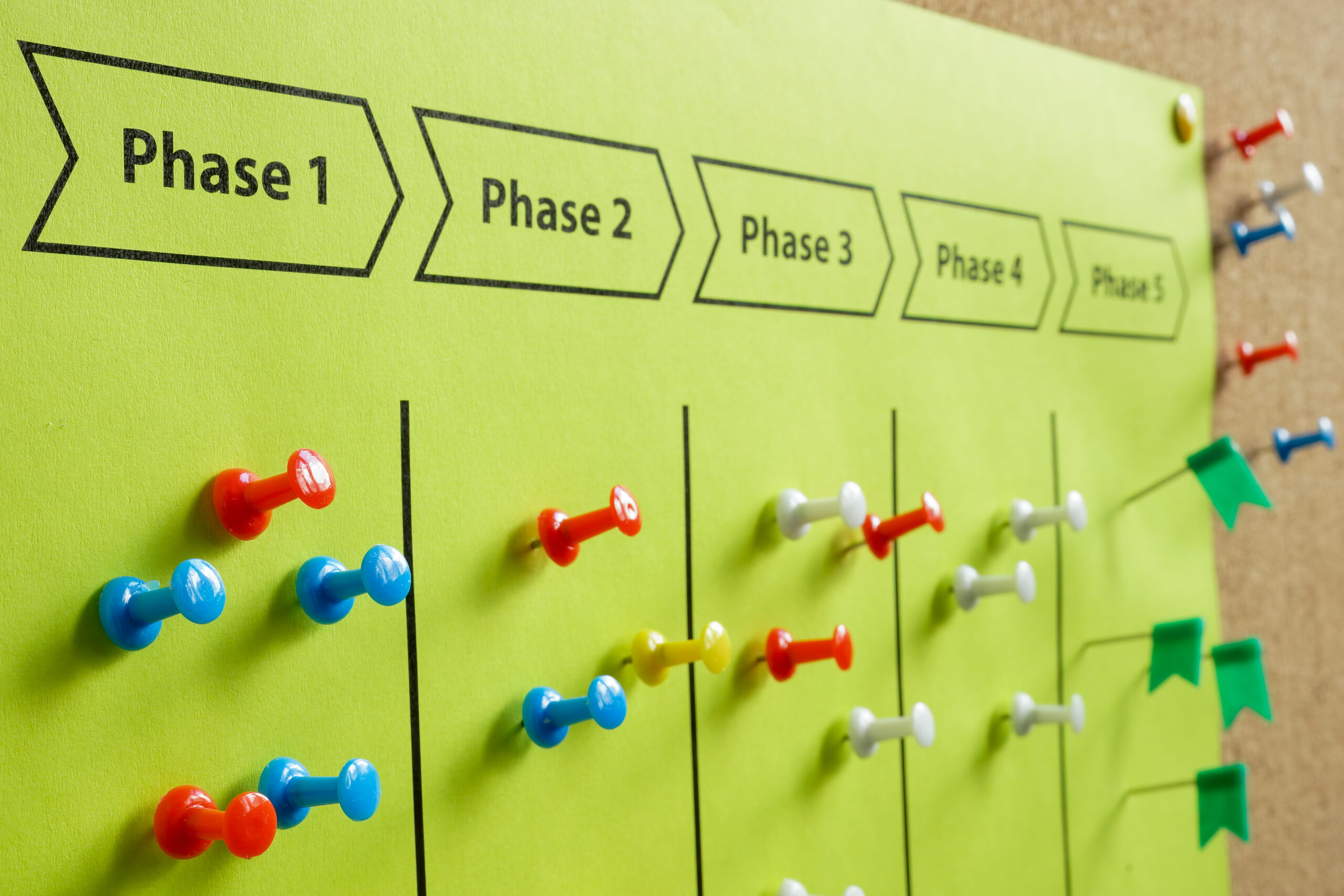
In software development, project management comes in several phases. The first phase is presale, the second is scope and function, the third is product development, and the fifth is quality control.
Once we are past the design stage, it is important to track progress and issues. If you don’t, your project is likely to fail, horribly.
I’m dealing with a maintenance project with ongoing enhancements.
The tool I have settled on is Gitea, Git with a cup of tea. It is similar to GitHub.com, GitLab, and others. I don’t want a public hosting site where there is a potential for code leakage; this omitted GitHub and its competitors.
GitLab has a self-hosting option, but it is such a pig that even though I started with it, I dropped it when I couldn’t upgrade it as needed.
Gitea was the next, and it is working much better for me.
While there is a cloud version of Gitea, I don’t feel pushed into it. With GitLab, half the things I wanted to do required a license. Even when self-hosting, there were limits on the number of users, number of projects, and everything.
I’ve not noticed that with Gitea. In fact, it wasn’t until I wrote this last paragraph that I remembered that Gitea had a paid version.
Feature Requirements
- Git repository. This is my version control system of choice. Having used everything from CDC’s “update,” SCCS, RCS, CVS, SVN and likely a few others, Git is the one that works for me.
- A document repository. Gitea comes with a git based wiki. It is not as powerful as a full wiki and adding images to pages is painful, but for text, it just works.
- Branch management, i.e. pull requests. Standard feature.
- Project management. This is provided with a KanBan style interface. I use it for development.
- Issue tracking.
Ticket System
I believe it was Admiral Grace that was having issues with a program on an early computer. It just wasn’t working. During the process of figuring out what was wrong, they did a hardware check. They located an insect that was causing electrical issues. They located a bug. That insect was framed, and the term “debugging” was coined.
Unfortunately, proper communication means we can’t call a bug a bug anymore. Nor can we call them errors or mistakes. Instead, everything is clumped together as an “issue”. Bah, Humbug.
Thus we have an “issue” system. This is really a ticket tracking system. I use the term ticket because it allows me to use the term “issue” for issues, bugs, enhancements, requests.
First Requirement
An issue should be well defined. The other day a client emailed us. It was a screenshot of a page of the product list page from the backend of their site. The client has drawn an angry spiral in red like a child coloring. His comment was, “This page is busted.” The account manager got this email, forwarded it to me with the following text “Thank you”.
This is a horrible issue statement. Ok, it’s broken. How is it broken? The screenshot doesn’t show any error messages; it looks like everything is right. So what is “busted” or “broken”.
It is the job of the person taking the error report, in this case the account manager, to create the ticket. To document the issue.
Actual ticket, after I started working on it: “The filter panel that is not functioning. All filters are ignored.” The actual problem was that a piece of JavaScript was failing if a filter selection was not made. This caused the filter button to not do anything.
The fix was about 4 minutes of coding and 40 minutes of explaining it to the account manager.
There should be a single issue per ticket, and the ticket title should be meaningful and properly identify the issue.
A Good Problem Description
Years ago I got a bug report from my boss; it was something to the effect of “such and such page is broken.” I went to the page and looked for the error. After about an hour I spotted the error. It was subtle but real, and it required significant effort to fix.
I pushed the fix reported that I had fixed the page to my boss.
About 30 minutes later, my very upset boss was at my desk telling me on no uncertain terms that the page was still broken and I hadn’t fixed a damn thing.
When I finally got him to calm down and to tell me exactly what was broken on the page, he pointed to the background of a button. “That’s the wrong color!”
It happened to be the color he approved, but it wasn’t the color he wanted in that spot, so the entire page was broken.
Make sure you have a good problem description.
Make Your Comments Meaningful and Useful
The way I explain it to people is that you are writing comments for yourself, six months from now. Yes, RIPLVB is very meaningful to you, right now, but RIPLVB on line 32627 isn’t really useful to you in six months nor to anybody else following behind.
(This was a real comment in a large piece of code, something like 60 thousand lines of code. It was the only comment. When the code broke, programmers spent way to much time trying to figure out the meaning of this incredibly important comment.
It stood for Rest in Peace, Ludwig van Beethoven, who died March 26, 1827, 3-26-27.)
If there are any supporting documents, screenshots, data files, log files, they should be attached to the comment.
If there are supporting documents, the comment should state what the document(s) are.
A comment of “See attached.” is a shit comment. It is your command to every person that follows you to open the attached document to figure out what it is.
“See the attached CSV for an example of the import format the client is looking for” tells you exactly what the document is for.It is meaning full.
Don’t Use Propritary Documents
If there is a common format, use it. Just because your system can magically open that particular file doesn’t mean that anybody else can. Yes, you have the latest version of Vizeo installed; putting a Vizeo document on the ticket shouldn’t be an issue. And it isn’t for you. But if your client doesn’t have Vizeo installed, or your coworker doesn’t, then that Vizeo Document is worthless.
Sure, you can attach the document, but also attach an SVG or other non-proprietary way of viewing the content of your file.
This one just pisses me off no end. The number of times I’ve had to deal with some PC user sending me a megabyte Word Document with a short paragraph in it when they could have sent a text message is uncountable. Or worse, every PC user assuming that every other person in the world has the latest version of Microsoft Excel.
Yet, I I send them a LibreOffice document, I will never hear the end of it.
Email is not a ticket system
Just because the client sends you an issue report in email doesn’t mean that email is a good ticketing system. I can’t count the number of times I’ve had to spend 10 or more minutes in a phone call tracking down the particular email my account manager wants to talk about. Often because he says things like, “Did you read the email client sent?”
Which one? When? What was the subject?
Worse is when the subject of the email chain changes, but they continue to use the same chain. Now there is a new issue in the middle of an email about a different subject.
In the same way, taking an email and attaching it to a ticket isn’t useful. This goes back to “Does everybody who has access to this ticket have the right program to read that attachment?” as well as violating the requirement of not needing to open an attachment to know what is in the attachment.
I Don’t need a meeting to read you the content of comments on the ticket
All good ticketing systems, including Gitea’s, send email when tickets are updated. Before you demand a meeting to discuss a ticket, check your email for updates on that ticket. Read the ticket. If the answers to your questions are in the ticket, there is no need for a call.
If you have questions that haven’t been answered, add them to the ticket.
No, you don’t need to call me to decide if you are going to add another issue. Add the issue. We’ll put it where it belongs or close it if it is a duplicate.
Use The Tool, Don’t Sabatauge It
Gitea ticket tracking system is a tool. You can subvert it and make it do bad things. You can make it useless. You can avoid using it forcing everyone else to use email.
Don’t! It is a powerful tool that should be used correctly.