3D-Printing

3d rendering the group various color of Polylactic Acid (PLA) filaments materials for 3d printing.

Organizational Things

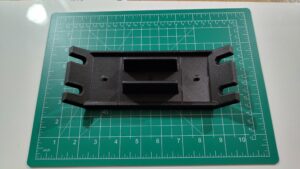
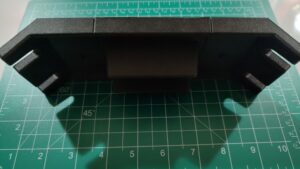
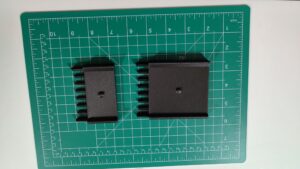
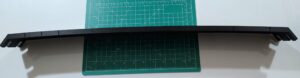
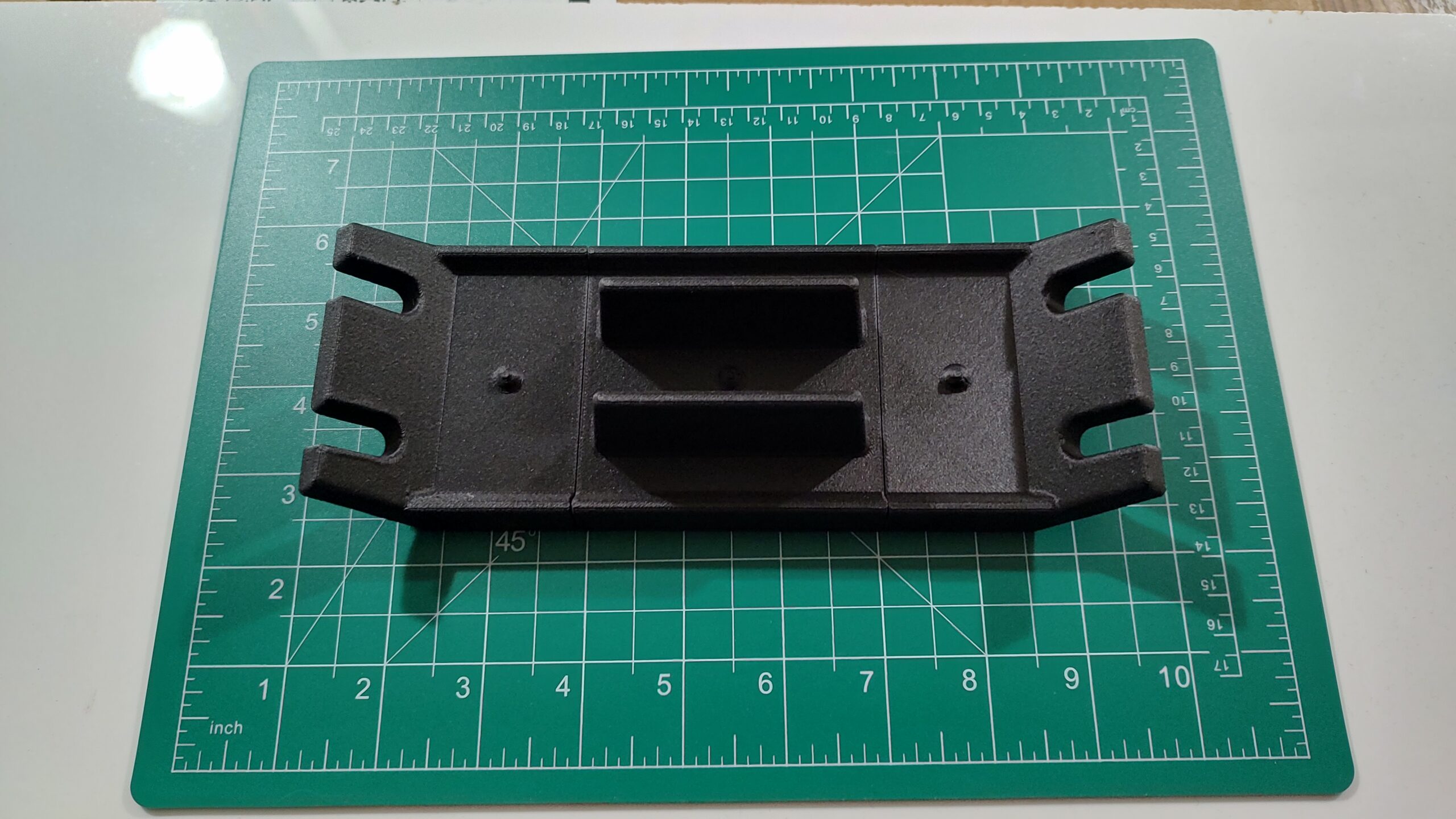
I finished the first set of base plates for putting Gridfinity into the top desk drawer of the printer support platform.

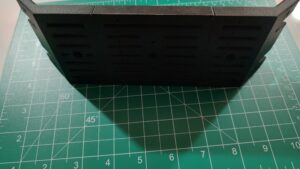
It looks nice. It is a 15 inch by 14 7/8 inch drawer. The base plate printed in four sections. It could have been just put in the drawer and worked, but I put snaps on the edges.

Since then, I’ve been watching as things move from the desk next to the printer and into its own bin, often custom, in one of three Gridfinity drawers. The two custom printed drawers in the riser and the one desk drawer.

It is slower than I would like, but it keeps getting better. I think this is going to work.

The next base plate will be for the “Shelf of No Return”. This is the shelf where things from the dining table get cleared, never to be seen again.

The hope is that when we turn that into an organized space, there will be less inclination to just pile stuff there.

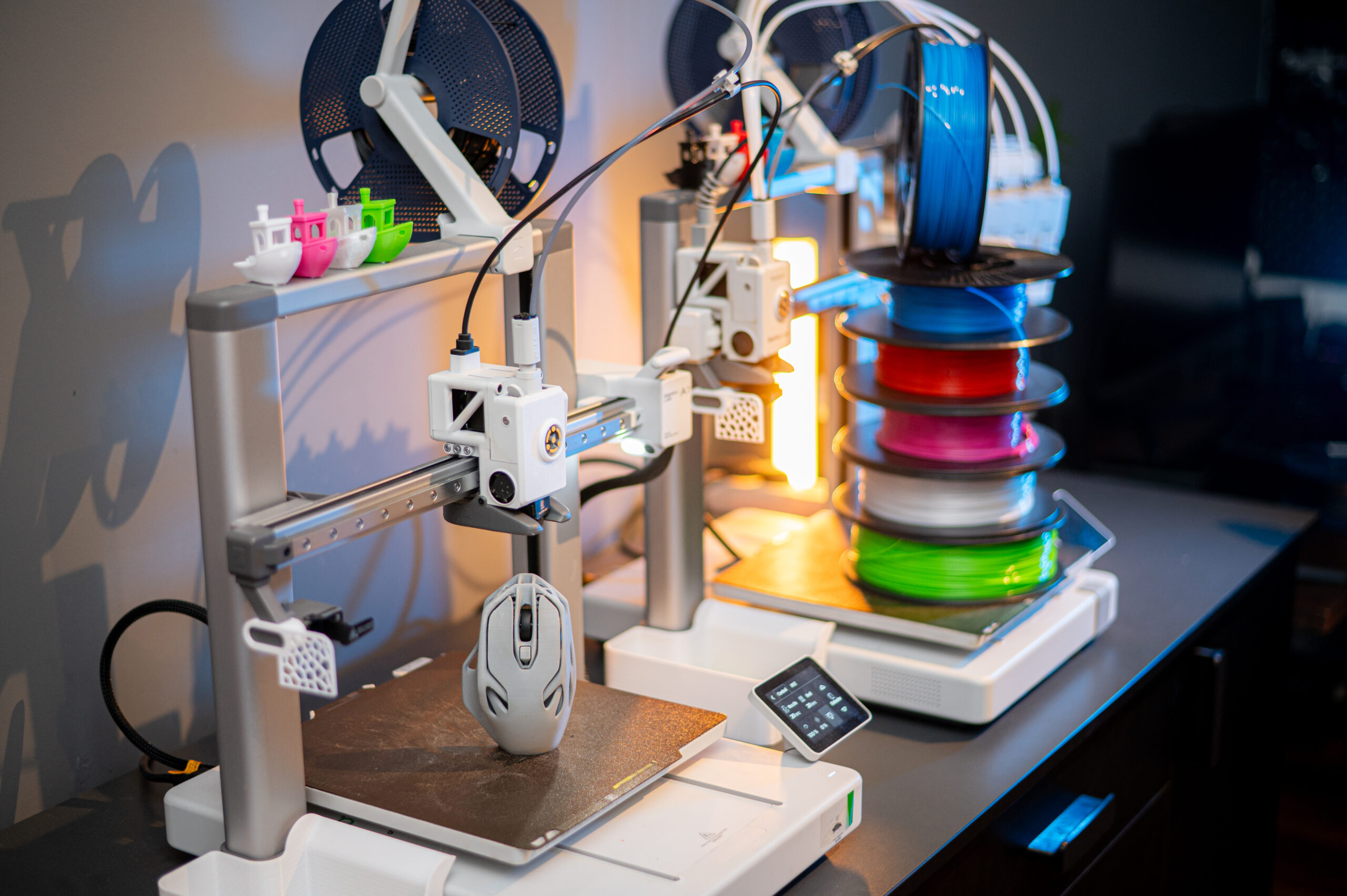
Modern Bambu Lab 3D printers with a stack of colorful filament spools and printed

Choosing A 3D-Printer

The very first thing you need to do when choosing a printer is know what you want to print.

I can’t stress this enough. Sure you can go buy a $2000 11×17 color laser printer. But are you going to print 11×17? Do you need full photographic quality prints?

If what you are doing is printing your tax forms, then a simple $200-$300 black & white printer will do just fine.

The same is true for 3D printers. What do you want to print?

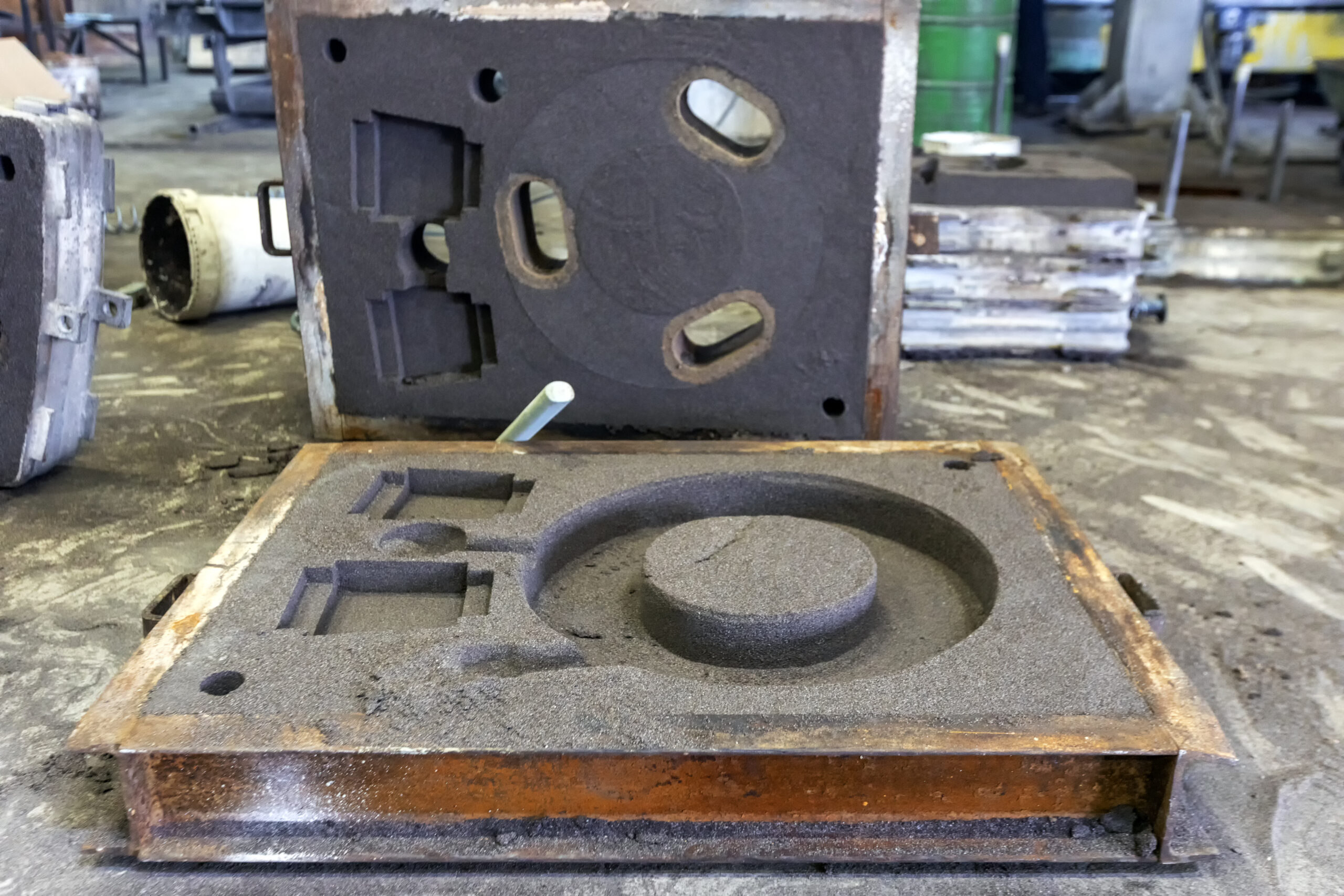
For me there was the “true” driving want, which wasn’t enough to justify a printer. I wanted to be able to print foundry patterns.

With enough research I found that organizational capabilities was high on my list of to-dos that has never gotten done.

To that end I picked MultiBoard as the ultimate pegboard and Gridfinity as my “flat surface” organizer.

Given these three drivers, I could start to list what I required in a printer.

I have tried printing foundry patterns in the past. It didn’t work. Today it should work better.

Most, if not all, of the MultiBoard and Gridfinity can be printed in the cheapest, easiest filament, PLA.

PLA requires a build plate that will support 55°C and a nozzle that supports 220°C. This is every printer out there.

If you need something a bit stronger, PETG is the go-to today. It requires a 70°C build plate and a 230 °C nozzle. Still well within the reach of most 3D printers.

Everything else requires more series printers. ABS, ASA, PA, and PC all require an enclosure. Without an enclosure, your prints will fail. The print will warp, and you will have issues with bed adhesion.

If you need to print something that will be exposed to the elements or that needs to be stronger, you need to go with one of the stronger plastics.

Which leads to the next class of filaments, those with additives. Carbon fiber and glass fiber are two of the common additives.

These fibers will eat your equipment. It will wear your PTFE tubes, but worse, it will eat your extruder and nozzle. You need hardened steel extruder driver gears and nozzle. You just have to plan on replacing the PTFE tubes as they wear. This should already be on your to-do list.

Some new printers come with multiple hotends so you can switch filaments while printing, quickly and easily.

For me, all of this took me to an 3D printer in an enclosure with a series build volume. The build volume I was looking for was 250x250x250 mm.

Because I knew I was going to be printing some CF or GF filament, I knew I wanted to upgrade my hotend to hardened steel.

Finally, I wanted to be able to change the nozzle without messing with cables, wires, or complex procedures.

After doing some back-of-the-envelope research, I started looking for a low cost printer that met my needs.

The printer names that popped up were Elegoo, Flashforge, Creality, and Bambu Lab.

I had never heard of Elegoo or Flashforge, but I had heard of both Creality and Bambu Lab.

The printer I was looking into was a Creality printer, but the Bambu Lab kept showing up with positive reviews. Their P1S met my needs except for the hardened nozzle, but that was an “easy” upgrade. The thing that was blocking me from pulling the trigger was that replacing the nozzle required changing out electronics. Something I did not want.

And then I stumbled on Bambu Lab P2S. This was released in late 2025. The reviews were all positive, but more than that, the reviewers were surprised at the types of improvements.

The P2S came with a hardened extruder and a hardened nozzle. They had also ditched the old hotend and gone with the hotend from one of their higher-end printers. They went with the H2D hotend.

This hotend has a quick replace system for the nozzle. You no longer need to replace electronics or mess with cables; you remove a silicon boot from the nozzle, release two spring clips with your fingers, remove the old nozzle, put the new nozzle in, close the clips, put the boot back on, tell the printer what nozzle you have installed.

I’ve done this twice. The first time took about 5 minutes, the second time about 30 seconds.

This left the ecosystem.

Bambu Lab is a closed ecosystem. They recently updated all their printers. With this update, 3rd party software tools lost the ability to control the printer. You could still move files to and from the printer, but you couldn’t initiate a print.

I had also read that Bambu Lab was using AI to evaluate the things being printed and would refuse to print some models from the cloud.

You could move the files by USB drive, but that gets painful.

They did have a LAN-only mode. That is what I am currently using. In LAN only mode you get full control of your printer. Your printer no longer talks to the Cloud. Your printer is yours.

It also turns out that the OrcaSlicer, which is a fork of the Bambu Studio slicer just works in LAN-only mode.

In addition, the price for the printer and the Automatic Material System (AMS) was less that the Creality printer I was looking for.

Conclusions

Am I happy with my purchase? Yes.

Is there anything I regret? Yes, I didn’t get enough filament out of the gate. I’ve gone through about 10 pounds of filament so far, and I’m not slowing down.

I don’t like finding out that I need a seperate dryer. And the amount of effort it takes to get dry filament.

I don’t like that I can’t directly move files from the Bambu Cloud to my printer; I have to move it through OrcaSlicer.

Would I do it again? Yes. Would I get a different printer? No.

My printer has been printing nearly non-stop since I got it. There were a couple of days when it was busy drying filament and not printing.

They offer the A1 combo at $399. That is the A1 and the AMS light. The AMS light handles four spools and you can have upto four AMS connected to your printer.

They also have the A1-Mini which comes in at $219 but only has a 180x180x180 build volume.

Please remember that I’m a Unix/Linux geek with to much experience in too many fields. What works for me might not work for you. Do your own research, but remember the first rule, have a reason you are going to spend some money. If you aren’t sure, look for a used A1 or A1-Mini or the most popular 3D printer, the Creality Ender 3.

Modern Bambu Lab 3D printers with a stack of colorful filament spools and printed

It Is About the Process

I went with a Bambu Lab P2S printer. It is an enclosed printer; it has excellent support and ecosystem. And it has strong vertical integration.

In order to 3D print something, you need the printer, a build plate, filament, a model, and a slicer.

The build plate is a surface that the filament will adhere to when you want it to and release your printed part when you want it to release.

Filament is a thermoset plastic. I.e., a plastic that melts when heated and can be reshaped and then will hold that new shape after it cools.

The model is a digital 3D solid. It is normally generated with a CAD package.

The slicer take the 3D solid and slices it into layers, then creates a sequence of g-code instructions to recreate that solid in plastic.

The First Print

To start with, I purchased filament from Bambu Lab to use on my printer. Their filament spools come with RFID tags. When you put the spool in the AMS, it will read the RFID, which tells the AMS what type of filament it is and what color. It also says it is Bambu Lab filament, but nobody else has permission (cryptographic) to create RFID tags that the printer/AMS will read.

I selected a useful “print” from the prints that are preloaded in the printer. Then I pressed “go”.
It printed exactly what I wanted, and it has been in use ever since.

The Second Print

It is nice to have models preloaded to print, but that would get boring rapidly. The next step was to use their phone app to print something.

This consisted of starting their app, pointing my phone camera at a QR code on a box. That QR took me to a model in the Bambu Lab cloud. I clicked the print button and a short time later I had a 3D version of that print.

There were more things I printed this way, but it was time to move up.

The slicer

The approved software is Bambu Studio. Which is an Apple or Windows program, no Linux version. I choose to go with OrcaSlicer because it is well respected and integrates nicely with Bambu Lab printers.

Using the slicer, I was able to download models from other sites, outside of the Bambu Lab cloud, slice them, and then send them to the printer. I could then use the Bambu App to start the print, or print directly from the printer control panel.

Over time, I’ve moved away from the Bambu Lab Cloud. I’m doing everything locally now. I still use their cloud to find models ready to print, but that is only because it is easy. I can use their phone app, search for a model, tag it, then download and print it later.

ReMix

My first major print was a riser for the AMS. This was printed in four large parts and a set of TPU gaskets. Yes, I can print custom gaskets.

The riser holds two drawers. I printed those drawers with a Gridfinity base.

All is good so far. I then print a deburring tool Gridfinity bin. It should fit perfectly. It does, except it is too tall. I can’t close the drawer.

This lead to me doing my first remix. I pulled the STL into FreeCAD, then created a sold cube the right size. Intersected the two solids and ended up with a shortened version.

This worked. My deburring tool now fits perfectly in my Gridfinity drawer.

This type of remix is simple. More complex remixes take more time. I’m not good at it yet because it requires me to create a solid from an STL or STEP file.

My First Model

I wanted a Gridfinity box to hold my ultra-precision torque screwdriver. I did all the right things, except I did a shit job of my B-splines. I also took a bad picture. I was too close, so lines that should have been straight were not.

Regardless, I printed it. What came out fit the Gridfinity base. The bin was short enough that the drawer would close.

The issue? The finger holes to lift the tool out were way too small. I’ve learned that I need between 20 mm and 30 mm to bake it easy to grip.

I have a second attempt ready to go, but I haven’t printed it yet. It was cool to see. It is a disappointment for it to not work.

My Latest Model

To control the path of filament, 3D printers use lots of PTFE tubing. This is 4 mm OD and about 2 mm ID pneumatic tubing. These fit into PTFE couplers. One of the coupler/connectors I’m using is a PC4-M10. This has a push connector on one side and is threaded M10 on the other.

I’m using a printed replacement cap for a cereal container. A 4L cereal container will hold a 1 KG spool on rollers with space for a hygrometer and desiccant. With a hole in the container, you can feed your filament out and directly to your printer without ever exposing your filament to the moisture in the air.

One method is to drill a 10 mm hole in the side of the container and use a PC4-M10 screwed into the side. A better method is to put a M10 flanged nut on the backside.

I would rather not drill holes, so I went with the replacement cap with a socket for the PC4-M10.

The model prints the cap, a sealing plug, a threaded and knurled screw-on cap. The cap proper has an inset threaded boss for the knurled cap to screw onto to seal the container.

That boss holds a PC4-M10. The model also contains a printed nut for the PC5-M10. Now here is my issue: the person that printed this seems to have found PC4-M10 with M10x1.5 threads. The PC4-M10 I have is measured with M10x1.0 threads.

I went into FreeCAD, I created a solid with a flange, 17mm hex nut, and a proper M10x1.0 threaded hole.

And it worked. Those nuts are now in use.

I am that much closer to being able to print my patterns for castings.

3d rendering the group various color of Polylactic Acid (PLA) filaments materials for 3d printing.

Chicken or Egg?

It has been a learning week for me. I’ve actually gotten to the point where I’m printing things for me rather than for the printer and the printing process.

Every part of the process is so much better than it was the last time I was attempting 3D prints. I have one confirmed model that is a failure. I’ll work with the least failed print to get the tool I need.

The two biggest issues in 3D printing today are bed adhesion and bad filament. Now bad filament isn’t always bad, sometimes it is just that it has absorbed too much water from the air.

There is a relatively simple fix for that: dry your filament.

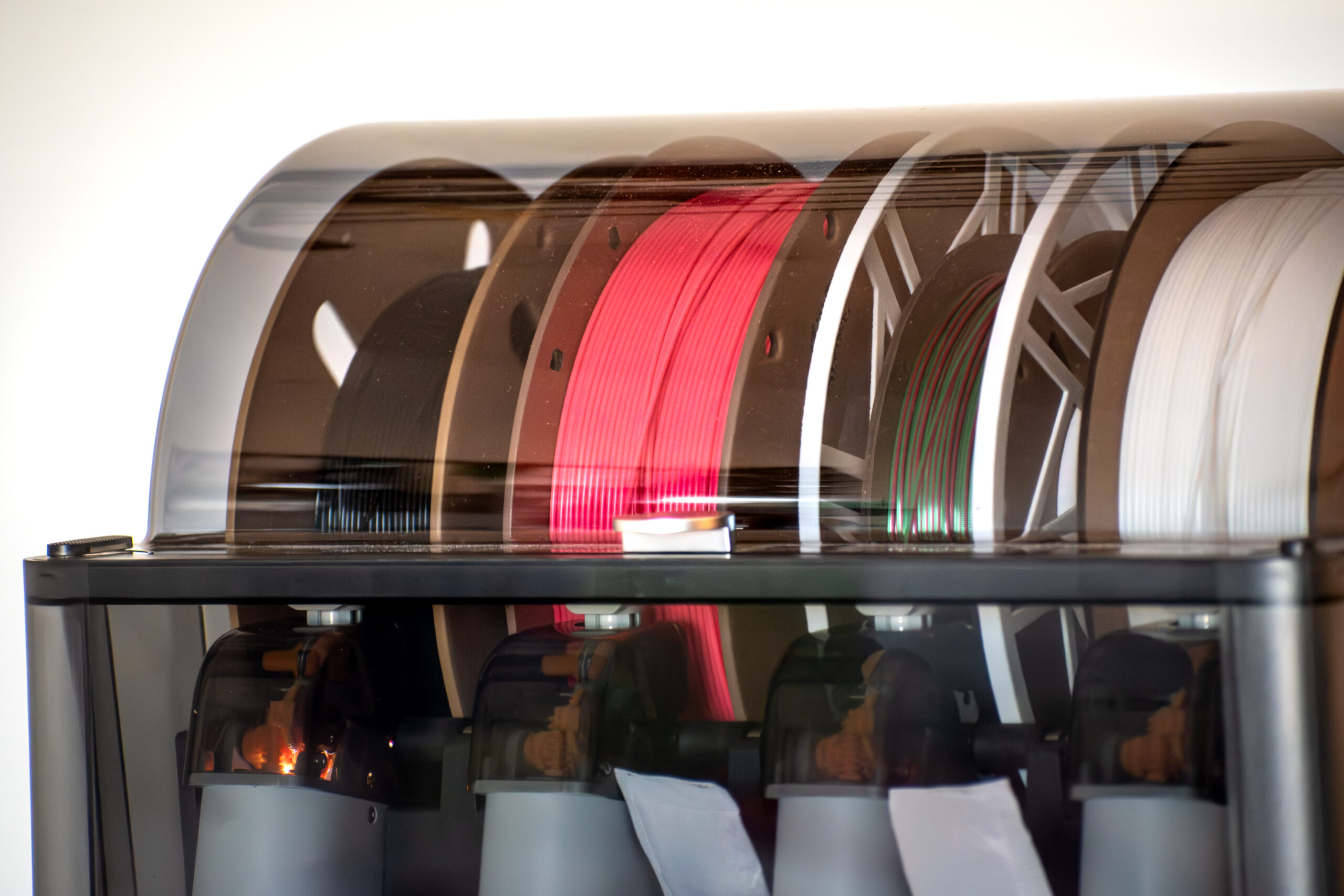
My printer came with an AMS (automatic material system). It consists of a chamber that holds four spools of filament; each spool has its extruder/feeder. The printer controls the AMS. When the printer wants a particular filament, it unloads the current filament, then it tells the feed motor to push the filament down a sequence of PTFE tubes and Y connectors until the filament is at the extruder proper.

The printer then pushes out the old plastic from the hot end with the new filament, leaving the nozzle loaded with the new filament. It is cool to watch.

The AMS is designed for four small packages of silica desiccant. One of the first things I printed was a set of boxes to hold more desiccant. The AMS now has about between 10 and 20 times as much desiccant as it started with.

The AMS is sealed, has circulating fans and a heater. This means it can be used to dry filament as well as feed it.

There is one small issue: you can’t print while it is drying. You have to have a separate power supply for the AMS to dry while printing.

Which takes me to my “quick” fix, a SunLu S1 Plus filament dryer. This holds one spool of filament, it can run at up to 55°C, and it does a good job of PLA, PETG, and one or two other filaments.

Using it I have been able to rescue some 10 year old PLA that was stored open. It has all just printed, after it was dryed.

Now the fix to this temperature issue is to use a “blast oven”. A blast oven means an oven that can maintain a constant temperature for an extended period of time while air is forced around the filament.

I don’t have a blast oven. What I do have is a printer that can maintain a constant temperature but doesn’t have a fan.

The manufacturer recommends printing a cover in Polycarbonate (PC). But PC is extremely hygroscopic. Straight from the package, it has to be dried at 90°C. Which my SunLU can’t do.

If I had a PC drying cover, I could dry the PC in the printer. All I need is some dry PC but what I have is wet PC.

And this issue exists for every filament I have. So I’m doing a bootstrap.

I did a printer bed drying of some ASA. This took around 12 hours. I used a cardboard box, as recommended. To make a fake cover.

With the ASA dry enough to print, I’m printing a blast oven. This is a two part filament dryer that uses the printer bed for the heat source and a carefully designed drying chamber with forced air.

Now all I have to do is hope that part two prints successfully tonight.

3d printer printing an object on the tray with pla filament, corn starch, non-waterproof filament

Materials

When I purchased my first 3D printer, it came as a kit. One of the “spider” style.

By this I mean it had three towers with arms that supported a hot-end platform. By moving the base of the arms up and down the towers, the platform would move in 3 space.

It was the fastest type of printer available.

Unfortunately, it was not a good choice. The instructions were not good, and in particular, they got the size of one of the drive wheels wrong.

The printer was designed around 3mm filament at a time when most hotends had moved to 1.75mm. I paid to have a 3D printer dude tune my printer to make it work. It didn’t, but he did upgrade it to 1.75mm filament.

There were three types of filament at the time, PLA, PA, and ABS.

PLA is a starch-based plastic; it has a relatively low melting point but is cheap. It is the standard for most prints.
ABS is the standard plastic you find almost everywhere.
PA is Nylon.

I purchased some ABS and Nylon but never had what I would consider a successful print.

Fast forward to today, and the types of filaments have exploded.

Besides the three listed above, they now have PETG, TPU, PC, ASA, PLA+, PA6, PA12. And many of these are available with CF (carbon fiber) or GF (glass fiber) added.

PETG is stronger than PLA and has a higher melting point. It is commonly used. I use it anywhere I might need something that will withstand a little heat.

TPU is a printable rubber. You can print custom gaskets with it. It is also used for non-slip feet.

PC is polycarbonate; it prints clear and is heat resistant and strong. ASA is a stronger than ABS material.

All of these do a job well. And I’m going a bit bonkers trying to make sure I hit the correct price/performance mark.

The good news, for me, is that I’m starting to come out of the print for the printer and starting to print tools and organizational things for me.